Even if you’ve forgotten your WordPress login, Texo makes it really easy to login to your WordPress dashboard so that you can reset your password.
Follow these steps:
- Log into your Control Panel
- Click the Softaculous Apps Installer link, which is located in the Software section:

- Click on the “WordPress” icon at the top right of the screen to access the WordPress Manager:

- Click on the “Login” button to login to your WordPress install as an admin user:
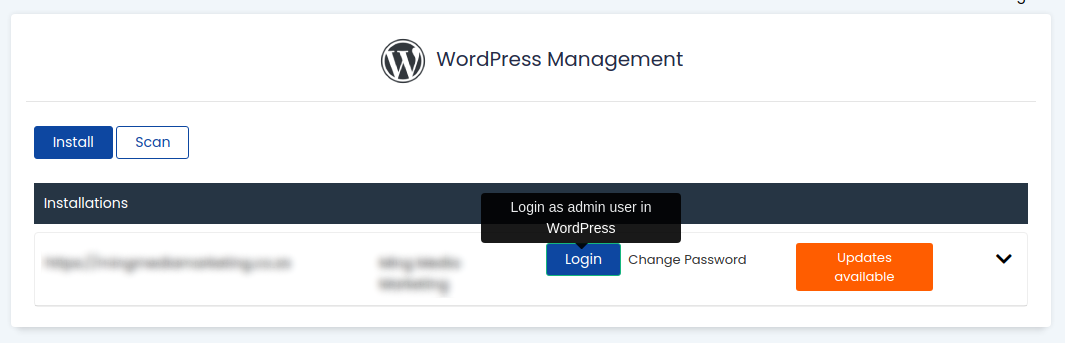
Once you’ve been logged in to your WordPress dashboard, click on the “Users” link to view all admin users and change the password, so that you can log in directly in future.